An Enlightened System Monitor
Please note versions 1.2.x and 2.0 are developed independently.
Evisum 2.0 may have issues running on machines with poor disk i/o, for that I recommend the 1.2.x series.
I sincerely hope you can enjoy this application. It’s fairly comprehensive and very portable. The user interface is designed with my personal preferences in mind. Having gotten into computer science in the early 90s there is a nostalgic feel to the program and also some homage is paid to EFL and Enlightenment.
I’d like to express that schizophrenia doesn’t exclude anyone from following their dreams as long as you hold onto a touch of realism and your expectations aren’t too high.
This program lets you go back in time.
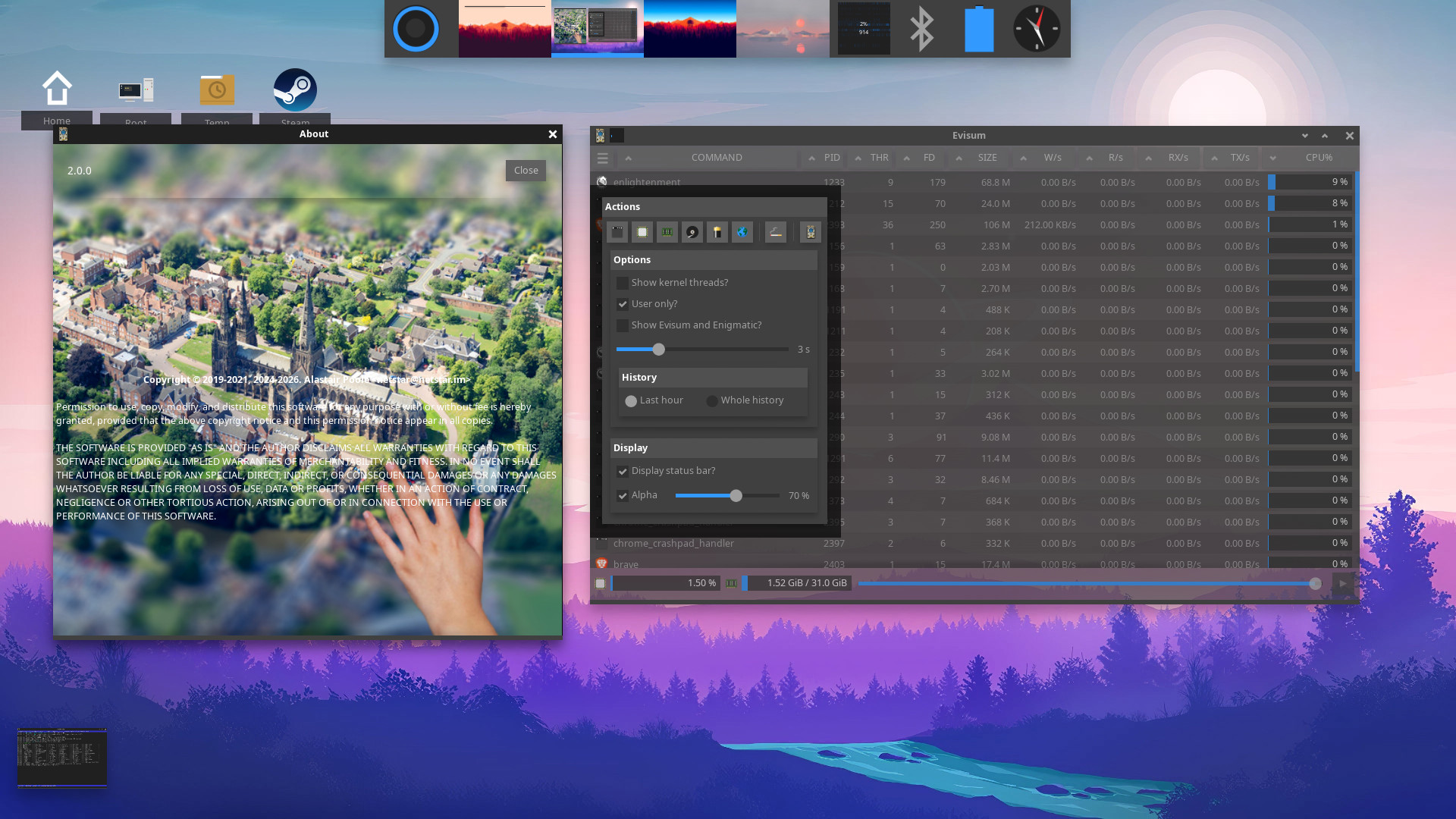
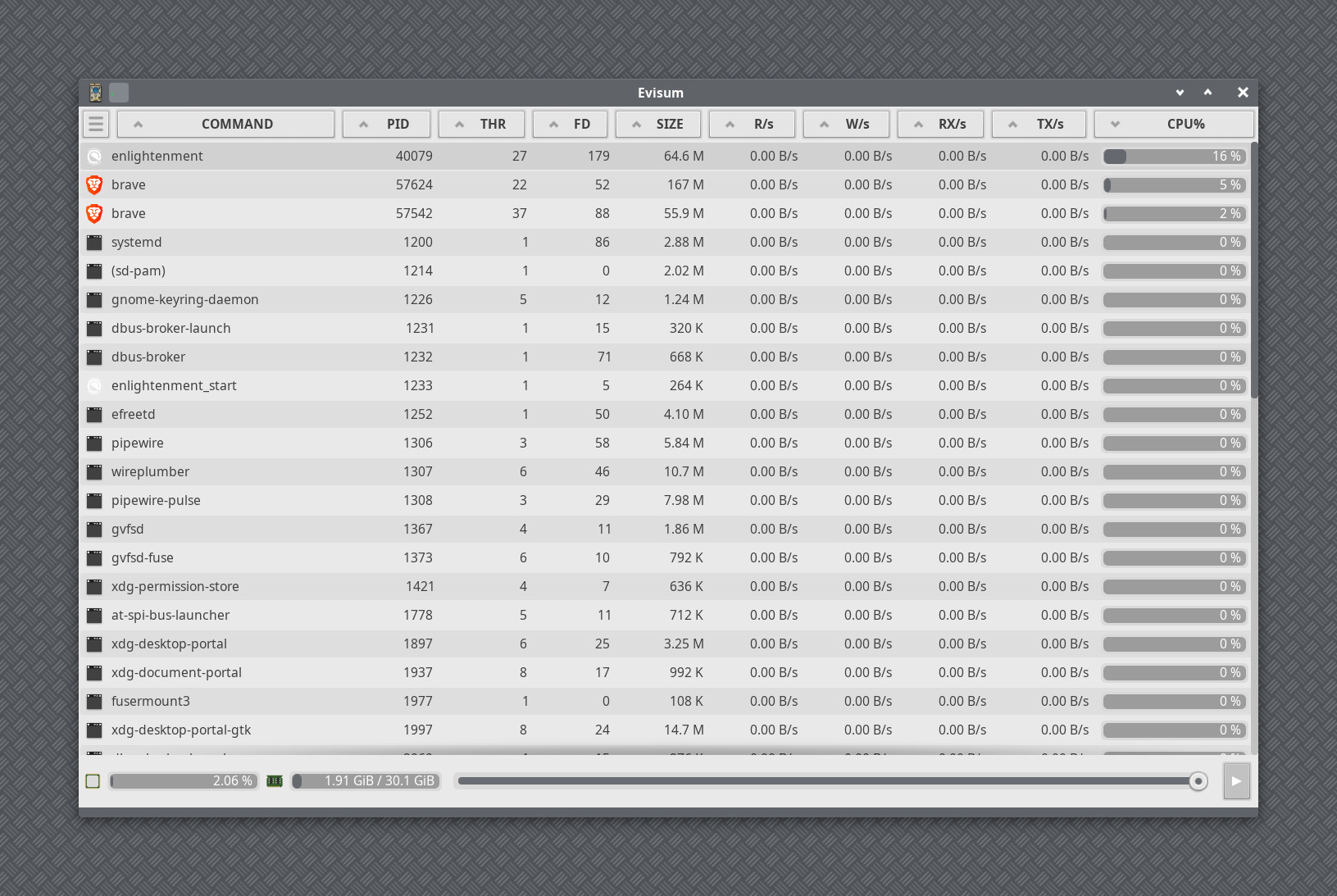
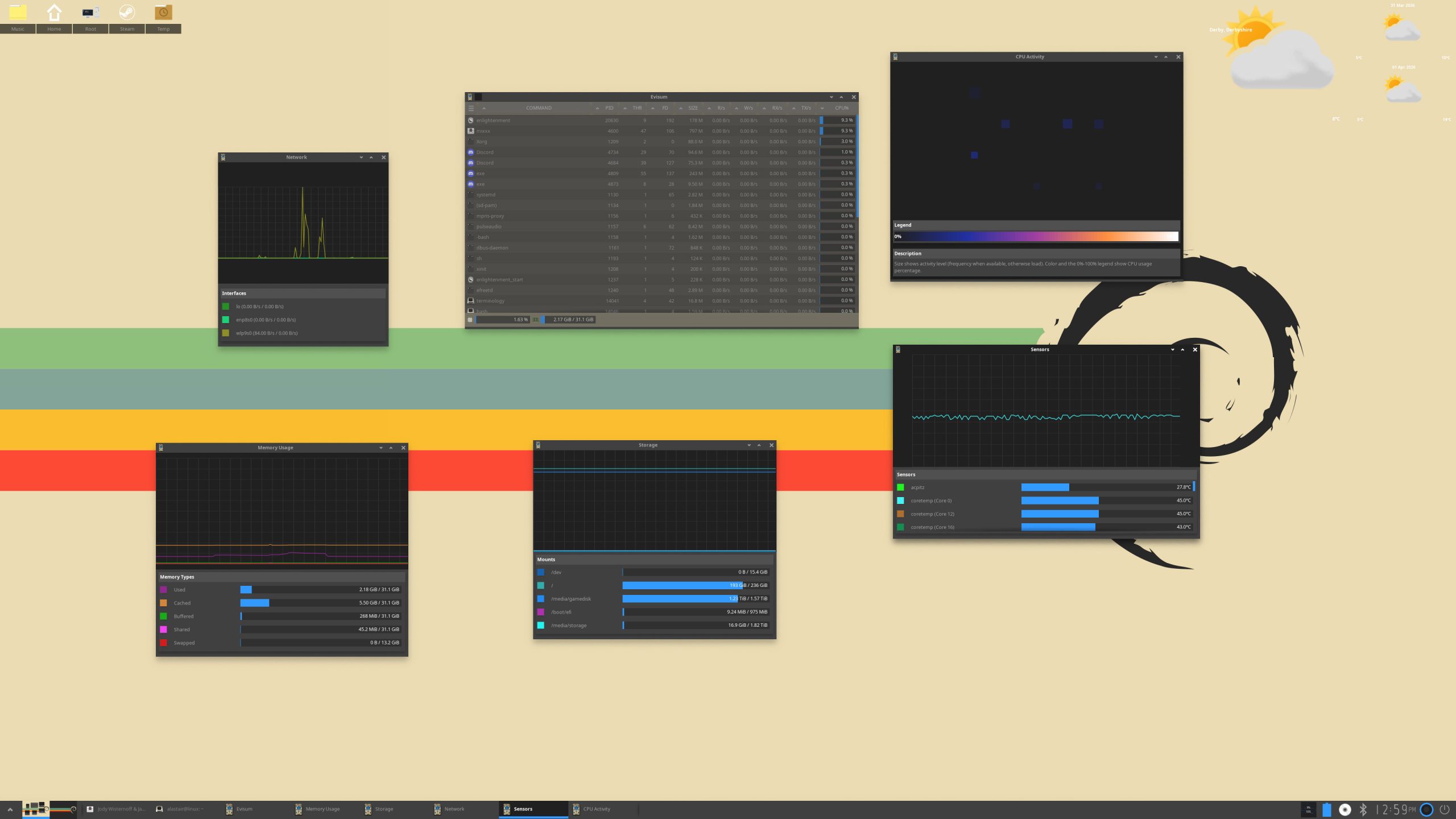
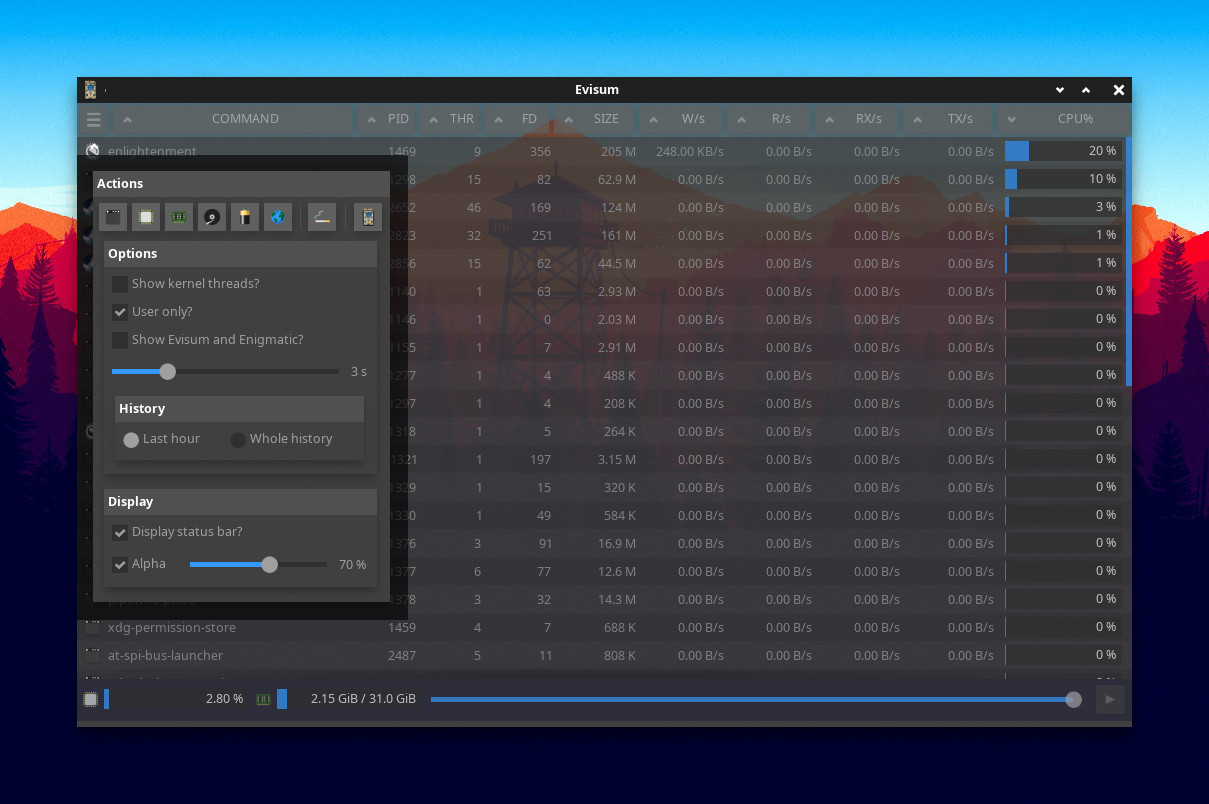
💾 Download
| LINK | SHA256 |
|---|---|
| evisum-2.0.12.tar.xz | 23487683cfb2e4cad87e481b2f9888f827a0bd4d94805d0aa00ace1eeeb5d654 |
| evisum-1.2.5.tar.xz | 8c9e899df290b1eb410dbea308ced2484ab2858d9cefc94ba63a7023d3783e17 |
📚 Table of Contents
- 🔥 Features
- 🏗️ Architecture
- 📦 Enigmatic Library
- 📌 Requirements
- ⚙️ Build Instructions
- 🚀 Installation
- 🎯 Usage Examples
- 🤝 Contributions
🔥 Features
- Cross-platform support for Linux, FreeBSD, OpenBSD, macOS and DragonFlyBSD.
- A daemon-backed architecture using enigmatic + enigmatic_client:
enigmaticperforms system polling and writes structured log events.enigmatic_clientfollows that stream and builds typed snapshots.- evisum consumes one shared background update signal, so windows stay in sync without each view implementing its own low-level polling loop.
- Historical snapshots can be replayed, making it possible to go back in time and inspect the state of the system as it was recorded.
- External programs can use the same client API/library to build their own monitors and tooling.
- Tools to monitor:
- Processes 🛠️
- CPU usage ⚡
- Memory consumption 🧠
- Network activity 🌐
- Storage health 💾
- System sensors 🌡️
- Designed for speed, reliability, and usability.
🏗️ Architecture
Evisum now uses a single data pipeline based on the enigmatic daemon and the enigmatic_client log-streaming API.
enigmatic(daemon):- Polls the operating system.
- Writes structured events/snapshots to the Enigmatic log stream.
libenigmatic_client:- Follows and parses the Enigmatic log.
- Maintains an in-memory
Snapshotwith typed objects (Cpu_Core,Meminfo,Sensor,Network_Interface,File_System,Proc_Info_Log). - Supports replaying logged snapshots so clients can view earlier system states instead of only the latest live sample.
- evisum engine/background:
- Starts/attaches to
enigmatic. - Exposes snapshot-backed data to UI views.
- Uses one background update signal so windows react to new stream data instead of polling independently.
- Starts/attaches to
- UI windows:
- Consume engine/background updates.
- Keep per-view rendering and formatting logic only.
This removes the old duplicated system-querying path and keeps runtime data flow centered on one stream source. Because the stream is logged, evisum can also move back through recorded snapshots and show the system state at an earlier point in time.
📦 Enigmatic Library
Enigmatic_Client is available as an external installable library so programs outside evisum can consume Enigmatic data directly (like the examples in src/bin/enigmatic/examples).
Installed artifacts include:
- Shared library:
libenigmatic_client.so - pkg-config file:
enigmatic_client.pc - Public headers under
include/enigmatic/:Enigmatic_Client.hEvents.henigmatic_util.hsystem/machine.hsystem/file_systems.hsystem/process.h
Using the library in your own program
cc my_program.c $(pkg-config --cflags --libs enigmatic_client) -o my_program
Typical include:
#include "Enigmatic_Client.h"
At runtime, open a client and register snapshot/event callbacks to receive live stream updates. Clients can also replay recorded snapshots to inspect previous system states.
📌 Requirements
Evisum requires an installation of EFL (v1.27.0+).
Example EFL development package installs:
Debian / Ubuntu
sudo apt update
sudo apt install efl-all-dev
Fedora
sudo dnf install efl-devel
Build tools are also required:
sudo apt install meson ninja-build pkg-config
# or on Fedora:
sudo dnf install meson ninja-build pkgconf-pkg-config
Ensure your PKG_CONFIG_PATH environment variable is set correctly if EFL is installed in a custom location (e.g., /opt):
export PKG_CONFIG_PATH="$PKG_CONFIG_PATH:/opt/libdata/pkgconfig"
⚙️ Build Instructions
Compile Evisum using meson and ninja:
meson setup build
ninja -C build
🚀 Installation
Once built, install Evisum with:
ninja -C build install
🎯 Usage Examples
Open the process view:
evisum
Inspect a specific process:
evisum <pid>
Open the CPU monitor:
evisum -c
Other command-line flags:
evisum -m      # memory view
evisum -d      # storage view
evisum -n      # network view
evisum -s      # sensors view
For additional options, use:
evisum --help
🤝 Contributions
We welcome contributions! Bug fixes and patches are greatly appreciated. However, if you want to introduce a substantial new feature, please ensure it functions reliably on Linux, OpenBSD, and FreeBSD before submitting a patch.